

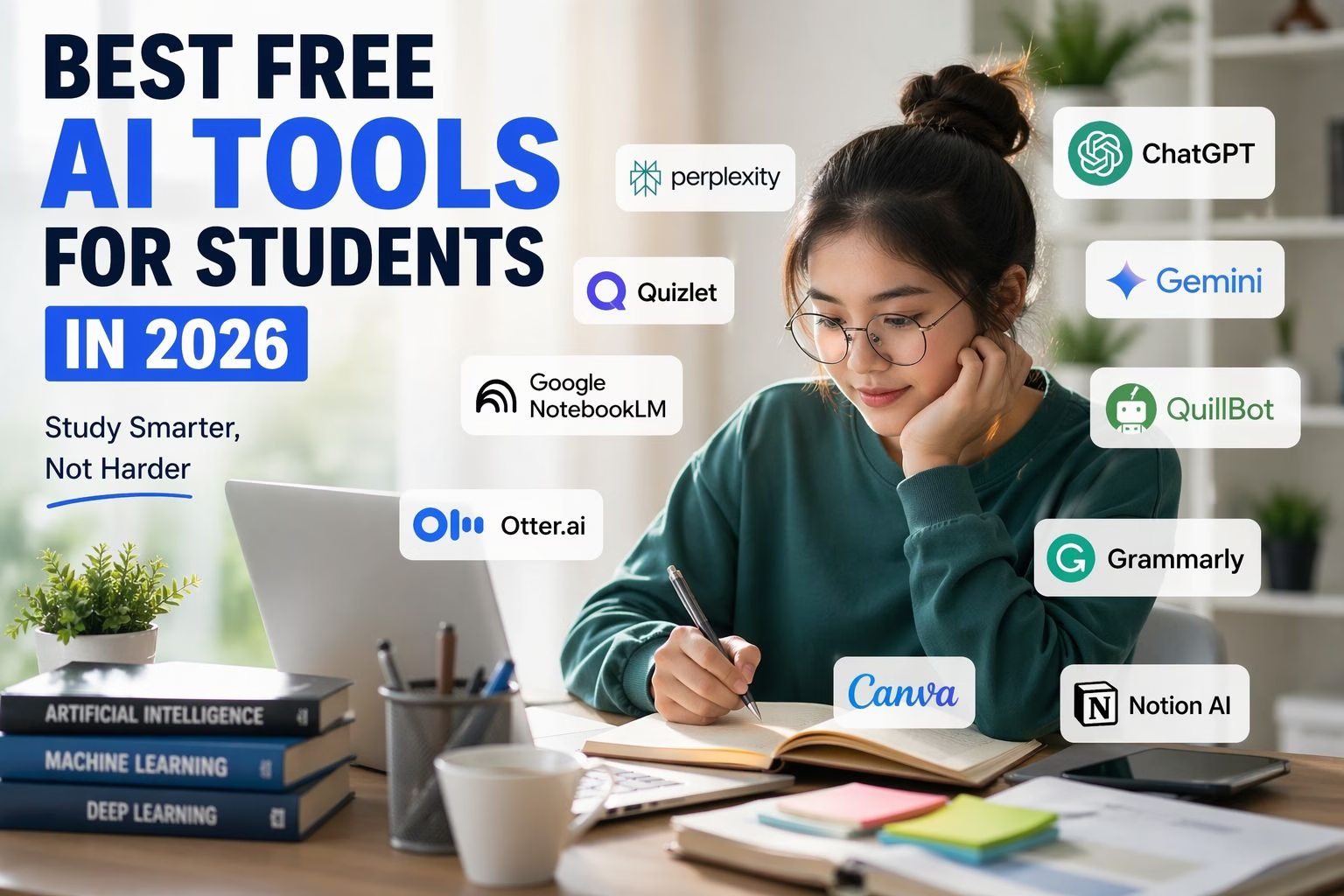
Artificial Intelligence (AI) is no longer just a futuristic concept it has become an everyday tool that is transforming how students learn, study, and succeed. In 2026, students have access to powerful AI tools that can help with writing, research, productivity, and even exam preparation all for free.
Whether you’re a school student, college learner, or preparing for competitive exams, using the right AI tools can save you time, improve your understanding, and boost your academic performance.
In this complete guide, we’ll explore the best free AI tools for students in 2026, how they work, and how you can use them effectively without relying on shortcuts.
Why AI Tools Are Important for Students in 2026
Students today face huge amounts of study material, limited time, academic pressure, and the need for better productivity. AI tools solve these problems by acting like a personal tutor, writing assistant, and research partner all in one.
- Save hours of study time
- Simplify difficult concepts
- Improve writing and grammar
- Organize notes efficiently
- Enhance exam preparation
However, AI should be used smartly. It’s a support system not a replacement for learning.
Best Free AI Tools for Students in 2026 (Detailed Description & Uses)
Artificial Intelligence has become a powerful companion for students in 2026. Whether it’s understanding tough subjects, completing assignments faster, or staying organized, AI tools are making student life easier than ever.
1. ChatGPT
ChatGPT is one of the most advanced AI-powered chatbots available today. It works like a virtual tutor that can interact with you in a conversational way. Unlike traditional search engines, it doesn’t just give links it provides clear explanations, step-by-step answers, and personalized responses based on your questions.
It supports multiple subjects including science, math, history, programming, and more. The more specific your question, the better the answer you get.
Uses for Students
- Breaking down complex topics into simple explanations
- Helping with homework and assignments
- Generating summaries of long chapters
- Practicing mock tests
- Learning coding and technical skills
Best for: All-in-one academic support
2. Google Gemini
Google Gemini is a next-generation AI assistant developed by Google. What makes it powerful is its ability to connect with real time internet data and integrate seamlessly with tools like Google Docs, Sheets, and Gmail.
It can process not just text, but also images, documents, and large files. This makes it highly useful for students who work on projects and research tasks.
Uses for Students
- Conducting in-depth research
- Summarizing PDFs and documents
- Assisting with writing inside Google Docs
- Understanding charts and visual data
- Getting quick fact-checked answers
Best for: Research and productivity
3. Perplexity AI
Perplexity AI is an intelligent search engine designed to give direct, accurate, and cited answers. Unlike Google, where you need to open multiple websites, Perplexity combines information into a single clear response.
It also shows sources and references, which is extremely useful for academic work where credibility matters.
Uses for Students
- Writing research papers
- Fact-checking information
- Understanding new topics quickly
- Saving time on research
- Exploring complex subjects simply
Best for: Reliable academic research
4. Grammarly
Grammarly is an AI powered writing assistant that goes beyond basic spell-checking. It analyzes your writing for grammar, tone, clarity, and engagement, helping you improve not just correctness but also overall quality.
It works across multiple platforms, including browsers, Word, and email, making it easy to use in daily student tasks.
Uses for Students
- Fixing grammar mistakes
- Improving readability
- Writing better essays
- Checking email tone
- Enhancing vocabulary
Best for: Professional writing
5. QuillBot
QuillBot is a powerful AI tool that helps students rewrite content in a clearer and more refined way. It uses advanced language processing to paraphrase sentences while keeping the original meaning intact. It also includes a summarizer, grammar checker, and different writing modes to suit various needs.
Uses for Students
- Paraphrasing assignments
- Avoiding plagiarism
- Summarizing chapters
- Improving sentence structure
- Creating revision notes
Best for: Summarizing and rewriting
6. Google NotebookLM
Google NotebookLM is an AI-powered research and note-taking tool that allows students to upload their own study materials and interact with them. It acts like a personal knowledge assistant, helping you understand your own notes better.
You can upload PDFs, textbooks, or documents and ask questions directly based on that content.
Uses for Students
- Organizing notes
- Finding key concepts quickly
- Generating summaries
- Preparing for exams
- Understanding textbooks faster
Best for: Smart study management
7. Canva
Canva is an easy-to-use design platform enhanced with AI features. It allows students to create professional-looking presentations, posters, infographics, and more without needing design skills. Its AI tools can generate images, suggest layouts, and even create content ideas.
Uses for Students
- Designing presentations
- Making project posters
- Creating resumes
- Building infographics
- Improving creative assignments
Best for: Creative projects
8. Quizlet
Quizlet is an AI-powered learning platform that helps students study through interactive methods like flashcards, quizzes, and games. It uses smart algorithms to track your progress and suggest what to study next. This makes learning more engaging and less stressful.
Uses for Students
- Creating flashcards
- Practicing quizzes
- Memorizing formulas
- Learning through games
- Tracking progress
Best for: Revision and memory
9. Notion AI
Notion AI is a powerful productivity tool that combines note-taking, task management, and AI writing assistance in one platform. It helps students stay organized and manage their academic life efficiently.
You can create study plans, track assignments, and even generate content using AI.
Uses for Students
- Organizing notes
- Managing deadlines
- Planning study schedules
- Brainstorming ideas
- Keeping academic work in one place
Best for: Productivity and organization
10. Otter.ai
Otter.ai is an AI powered transcription tool that converts spoken language into written text in real time. It is especially useful for students attending lectures, seminars, or online classes.
Instead of focusing on writing notes, students can focus on understanding while Otter records everything.
Uses for Students
- Recording lectures
- Creating automatic notes
- Reviewing discussions later
- Capturing missed points
- Saving classroom time
Best for: Lecture transcription
Comparison Table of Best Free AI Tools for Students in 2026 – Features & Uses
Here’s a quick comparison of the best AI tools for students in 2026:
| AI Tool | Description | Best Uses for Students | Category |
|---|---|---|---|
| ChatGPT | AI chatbot that helps explain topics, write content, and solve problems. | Homework help, essays, explanations, coding, summaries | Study Assistant |
| Google Gemini | AI tool by Google that provides real-time answers and integrates with Google apps. | Research, document analysis, real-time info | Research Tool |
| Perplexity AI | AI-powered search engine that gives direct answers with sources. | Academic research, fact-checking | Search Engine |
| Grammarly | AI writing assistant for grammar, spelling, and clarity improvement. | Essay writing, emails, proofreading | Writing Tool |
| QuillBot | AI paraphrasing and summarizing tool. | Rewriting content, summarizing notes | Writing Tool |
| Google NotebookLM | AI tool to organize notes and interact with study materials. | Note-taking, revision, PDF analysis | Note Tool |
| Canva | Design tool with AI features for presentations and visuals. | Projects, presentations, posters | Design Tool |
| Quizlet | AI-based learning app using flashcards and quizzes. | Revision, memorization, test prep | Learning Tool |
| Notion AI | Productivity and note-taking tool with AI assistance. | Task management, notes, planning | Productivity Tool |
| Otter.ai | AI transcription tool that converts speech into text. | Lecture notes, recordings, summaries | Transcription Tool |
How to Choose the Right AI Tools for Students in 2026
Choosing the right AI tools for students in 2026 can be challenging because there are many options available, but selecting the best one depends on your learning goals and study needs. To start, students should clearly identify their purpose, whether it is writing assignments, researching topics, understanding concepts, or preparing for exams. For example, tools like ChatGPT are ideal for explaining complex topics and helping with homework, while Grammarly and QuillBot are perfect for improving writing, grammar, and paraphrasing content. When it comes to research, students can rely on Perplexity AI and Google Gemini to find accurate and up-to-date information quickly.
Another important factor when choosing the best AI tools for students is checking whether the tool is free and offers enough features for daily academic use. Many popular AI tools provide free versions that are more than sufficient for students, making them accessible without any cost. Ease of use is equally important, so students should select tools that have a simple interface and work smoothly on both mobile and desktop devices, such as Canva and Quizlet. These tools are beginner-friendly and help students stay productive without wasting time learning complicated features.
Accuracy and reliability also play a key role in selecting the right AI tool. Since AI-generated content may sometimes contain errors, students should always verify important information and avoid depending on a single tool. Choosing AI tools based on your education level is also essential for example, school students may prefer simple learning apps, while college students may need advanced research and productivity tools. Additionally, features like summarization, note taking, grammar checking, and flashcard creation can significantly improve study efficiency, which is why tools like Google NotebookLM are highly useful for organizing study materials and revising effectively.
Finally, while using free AI tools for studying can save time and boost productivity, students should avoid over-dependence on them. AI should be used as a learning assistant rather than a shortcut for completing assignments. By choosing the right tools and using them wisely, students can improve their understanding, enhance their skills, and achieve better academic results in 2026.
Pros and Cons of AI Tools for Students in 2026
| Pros of AI Tools for Students | Cons of AI Tools for Students |
|---|---|
| Saves time on homework and assignments | Can lead to over-dependence on AI |
| Explains complex topics in simple language | May provide incorrect or outdated information |
| Improves writing, grammar, and communication skills | Risk of plagiarism if misused |
| Helps with research and quick information gathering | Not always allowed in exams or assignments |
| Enhances productivity and organization | May reduce critical thinking skills |
| Provides personalized learning experience | Free versions may have limitations |
| Available 24/7 for instant help | Requires internet access |
Future of AI for Students in 2026 and Beyond
Artificial Intelligence is evolving rapidly, and its impact on education is only going to grow stronger in the coming years. For students, AI is not just a tool anymore it is becoming a personal learning partner that adapts to individual needs, learning styles, and goals.
Let’s explore what the future of AI in education looks like and how it will shape student learning.
1. Personalized Learning Will Become the New Standard
In the future, AI will create custom learning experiences for every student. Instead of a one-size-fits-all approach, students will get lessons tailored to their needs.
- Smart recommendations for improvement
- Lessons based on learning speed
- Content tailored to strengths and weaknesses
2. AI Tutors Available 24/7
AI powered tutors will provide instant help anytime, making learning more accessible.
- Answer questions instantly
- Explain concepts in multiple ways
- Provide step-by-step solutions
Tools like ChatGPT are already moving in this direction and will become even more advanced in the future.
3. Smarter Study Tools and Automation
AI will automate many time-consuming tasks, allowing students to focus more on understanding.
- Automatic note-taking during lectures
- Summarizing textbooks
- Generating quizzes and practice tests
This will make studying more efficient and less stressful.
4. AI-Powered Classrooms
Classrooms will become smarter with AI integration, improving both teaching and learning experiences.
- Teachers can track student performance easily
- Students receive instant feedback
- Lessons become more interactive
5. Better Research and Information Access
AI tools will make research faster, more accurate, and more reliable for students.
- Quick access to verified information
- Reduced misinformation
- Deeper insights in less time
6. Career Guidance and Skill Development
AI will help students plan their future by suggesting careers and skills based on their interests.
- Personalized career recommendations
- Skill development suggestions
- Learning roadmaps for success
7. Challenges Students Should Be Aware Of
Despite its advantages, AI also comes with some challenges that students must handle wisely.
- Over dependence on AI tools
- Reduced critical thinking
- Ethical concerns in education
Final Thoughts
AI tools in 2026 are becoming essential for students who want to study smarter. Each tool offers unique benefits, from writing and research to productivity and revision. The key is to use these tools wisely to improve learning rather than replace it.