

Introduction: The Hidden Cost of Missed Calls
Small law firms are quietly losing up to 30% of potential revenue not because of poor legal work, but because of missed or mishandled calls.
When a prospective client calls and no one answers, they don’t wait they move on to the next firm. In a highly competitive legal market, that single missed call could mean losing a high-value case worth thousands.
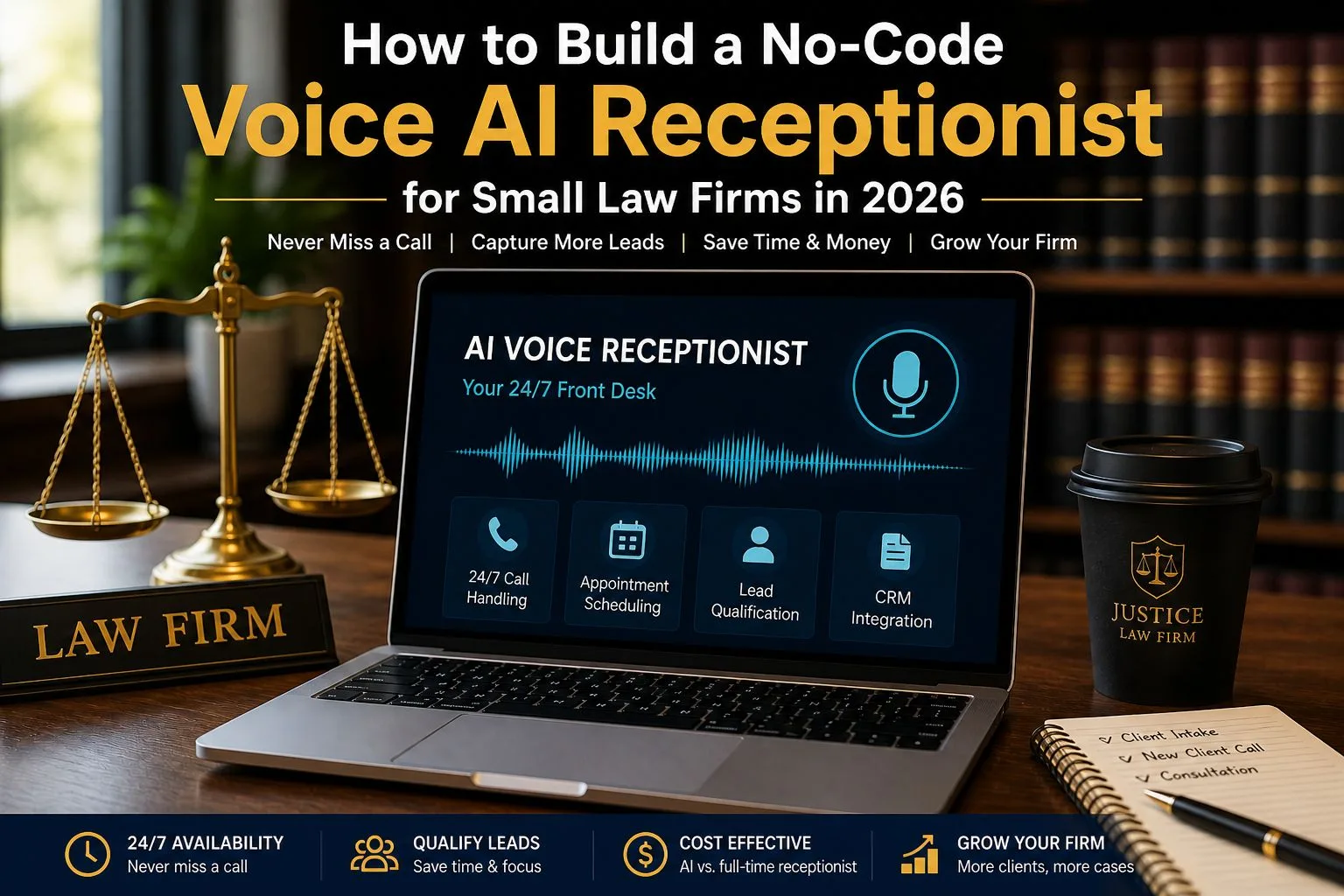
Hiring a full-time receptionist isn’t always affordable. That’s why, in 2026, more firms are turning to no-code voice AI receptionists a smarter, scalable way to capture every opportunity, 24/7.
🔎 How to Build a No-Code Voice AI Receptionist for Law Firms (Quick Answer)
Building a no-code voice AI receptionist for a law firm involves three key steps: choosing a voice AI provider like Vapi.ai voice AI platform or Retell AI, crafting a structured system prompt to guide conversations, and integrating the AI with a legal CRM such as Clio or MyCase using automation tools like Make.com automation platform. This setup allows firms to automate call handling, lead qualification, and appointment booking without coding.
Table Of Contents
Table of Contents
Why Voice AI is a Game-Changer for No-Code Voice AI Receptionist for Small Law Firms
In 2026, voice AI receptionists for law firms are transforming how small practices handle client communication, reduce costs, and capture more leads. Here’s why this technology is becoming essential:
24/7 Availability: Never Miss a Client Call
Legal emergencies don’t follow business hours. A voice AI receptionist ensures your firm never misses a “3 AM” emergency call, helping you capture high-intent clients exactly when they need legal assistance the most.
Instant Intake: Qualify Leads Automatically
With AI-powered call handling, potential clients are screened before they ever speak to a lawyer. The system can collect case details, identify urgency, and filter out low-quality inquiries—saving valuable time for your legal team.
Cost vs. Value: Maximize ROI
Hiring a full-time receptionist can cost around $3,000 per month, while a no-code voice AI solution typically costs as little as $0.15 per minute. This makes AI a highly cost-effective option for small law firms looking to scale without increasing overhead.
The 2026 No-Code AI Stack (The Tools You Need)
To build a powerful no-code voice AI receptionist for a law firm, you need the right combination of tools. This modern AI stack allows you to automate calls, qualify leads, and schedule consultations without writing any code.
- Voice Platform (The “Phone”): Use platforms like Vapi.ai or Retell AI to handle inbound and outbound calls with realistic, human-like voice interactions.
- Intelligence (The “Brain”): Power your AI receptionist with advanced models like OpenAI GPT-4o or Claude 3.5 to understand client queries and respond intelligently.
- Automation (The “Bridge”): Connect your systems using Make.com or Zapier to automate workflows such as lead capture, follow-ups, and CRM updates.
- Calendar (The “Schedule”): Enable seamless appointment booking with tools like
Calendly or Clio to manage consultations and sync with your legal workflow.
Step-by-Step Guide: From Setup to Your First AI Call
Setting up a no-code voice AI receptionist for your law firm may sound technical, but it’s actually straightforward when broken into simple steps. Here’s how to go from setup to handling your first client call:
Step 1: Set the Right Personality
Your AI receptionist represents your law firm, so its tone matters. Choose a professional, calm, and confident voice that builds trust with callers. Most voice AI platforms let you select or clone voices aim for something clear and natural, not robotic or overly casual.
Step 2: Draft a Clear Legal Prompt
This is where you guide how your AI behaves. In simple terms, system instructions tell the AI what to do and what to avoid. For example: “Ask for the caller’s name, case type, and urgency but never provide legal advice.” This ensures your AI stays helpful while remaining compliant.
Step 3: Connect Your CRM for Lead Capture
Integrate your AI with tools like Clio so every call automatically creates a new lead. Using automation platforms, you can capture details like name, phone number, and case type right after the call ends no manual data entry needed.
Step 4: Test and Go Live with Confidence
Before launching, use a temporary or test phone number to simulate real client calls. Check if the AI asks the right questions, records accurate information, and routes calls correctly. Once everything works smoothly, connect your main business number and go live.
Ethical & Compliance Check (Crucial for Legal Niche)
When using a voice AI receptionist for a law firm, ethics and compliance are not optional—they are essential. Your system must protect client trust, follow legal regulations, and handle sensitive situations responsibly.
Recording Disclosure: Be Transparent with Callers
Your AI must clearly inform callers that they are speaking with an automated assistant and that the call may be recorded. This builds trust and helps you stay compliant with call recording laws in many jurisdictions.
Data Security: Protect Sensitive Client Information
Law firms deal with highly confidential data, so your AI tools should meet strong security standards like SOC 2 and HIPAA compliance. Choosing secure platforms ensures that client information is handled safely and reduces legal risk.
Handling Complex or Sensitive Situations
Not every situation should be handled by AI. Train your system to recognize when a caller is in distress or facing a complex legal issue, and immediately handoff the call to a human. This ensures better client care and avoids potential liability.
FAQ (PAA) : How to Build a No-Code Voice AI Receptionist for Small Law Firms
Here are some of the most common questions about using a no-code voice AI receptionist for law firms in 2026:
Does voice AI sound like a robot?
No. Modern voice AI technology in 2026 uses advanced speech models with near-human tone, emotion, and response timing. With ultra-low latency (almost instant replies), conversations feel natural and fluid far from the robotic systems of the past.
Is it hard to set up a voice AI receptionist?
Not at all. Most platforms are designed for no-code setup, meaning you can build and launch your AI receptionist using simple dashboards, templates, and drag-and-drop tools no technical skills required.
What happens if the AI makes a mistake?
Good systems include safeguards like human handoff options, call monitoring, and editable workflows. You can review conversations, improve prompts, and ensure the AI transfers complex or sensitive situations to a real person.
Can voice AI handle legal consultations?
Voice AI should not provide legal advice. Instead, it is best used for answering basic questions, collecting client information, and booking appointments while leaving legal guidance to qualified attorneys.
Is voice AI secure for handling client data?
Yes, if you choose the right tools. Look for platforms that offer SOC 2 and HIPAA-level security to ensure client data is protected and handled according to industry standards
Can I customize how the AI talks to clients?
Absolutely. You can define tone, language, and behavior using custom prompts and voice settings, ensuring the AI matches your law firm’s professionalism and brand voice.
Will clients know they are talking to AI?
Yes—and they should. Ethical setups require a clear disclosure that the caller is interacting with an automated assistant, which helps build trust and maintain compliance.
How much does a voice AI receptionist cost?
Most AI receptionist solutions cost between $0.10 and $0.25 per minute, making them significantly more affordable than hiring a full-time receptionist.
Can the AI book appointments automatically?
Yes. When integrated with tools like calendars or legal CRMs, the AI can schedule consultations in real-time based on your availability.
What types of law firms can use voice AI?
Voice AI works well for family law, criminal defense, personal injury, immigration, and most other practice areas that rely on inbound client calls.
Conclusion: The Future of the “Small but Mighty” Law Firm
The legal industry is changing fast, and small law firms no longer need massive budgets to compete. With tools like a no-code voice AI receptionist, even solo practitioners can deliver the same fast, professional client experience as large firms.
By using AI call automation for law firms, you can answer every call, capture more leads, and provide 24/7 support without hiring extra staff. The result? A smarter, more efficient practice that never misses an opportunity.
In 2026, the firms that grow the fastest won’t just work harder they’ll work smarter with automation.
Get Started Today
Ready to transform your law firm with AI? Take the next step:
- Sign up for our newsletter to get the latest legal tech automation tips and strategies.
- Download our free AI system prompt template and start building your own voice AI receptionist today.