

If you’re using a Samsung Galaxy phone, you’ve probably noticed how much the software experience has improved over the years. That’s largely thanks to Samsung’s custom Android skin called One UI. And now, with the upcoming Samsung One UI 8.5 update, things are getting even more interesting.
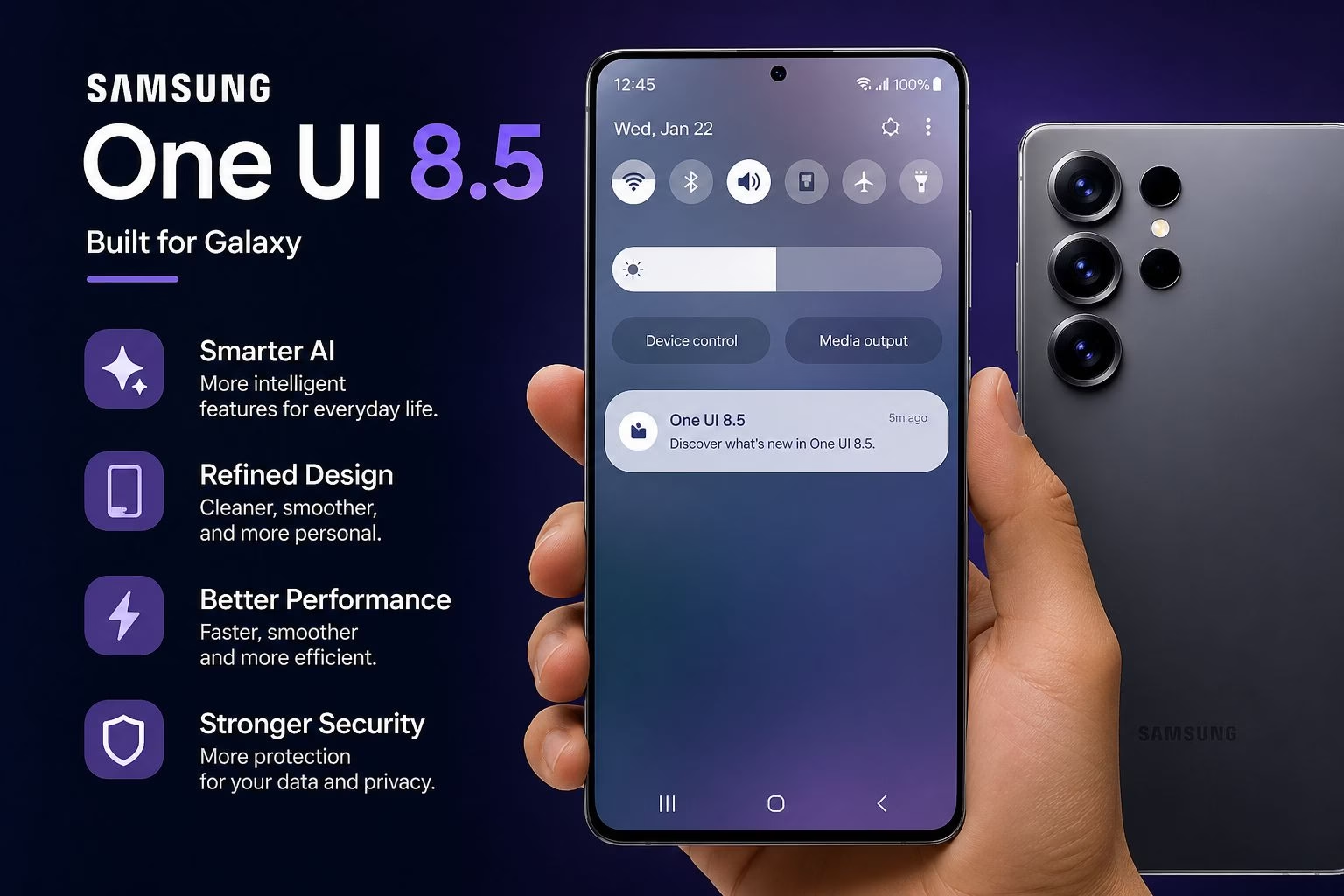
Built on top of Android 16, One UI 8.5 is expected to bring smarter features, better performance, and deeper personalization. But what exactly is new? When is it coming? And will your phone get it?
Table of Contents
What is Samsung One UI 8.5?
One UI 8.5 is Samsung’s latest software update designed specifically for Galaxy devices. It sits on top of Android and changes how your phone looks, feels, and behaves.
Unlike older updates that focused mostly on design tweaks, this version is heavily focused on AI (Artificial Intelligence) and real-life usability.
- Your phone becomes smarter
- Tasks become easier
- Everything feels smoother and more personal
Samsung is clearly trying to make your phone feel less like a tool and more like a smart assistant.
Samsung One UI 8.5 Release Date (Expected Timeline)
- Introduced with flagship phones in early 2026
- Beta updates released shortly after
- Stable rollout expected between April and June 2026
If you’re using a newer Galaxy device, you’ll likely get it sooner. Mid-range and budget phones will follow gradually.
Key Features of One UI 8.5
Let’s talk about what actually matters the features you’ll use every day.
1. Smarter AI Features
This is the biggest highlight of the update.
Samsung is pushing “Galaxy AI” hard this time. But don’t worry this isn’t just marketing. These features are actually useful.
- AI Call Screening – Filters spam calls
- Live Translation – Translates calls and messages
- AI Writing Help – Improves or summarizes text
- Smart Suggestions – Predicts your needs
Example: If someone sends you a long message, your phone can summarize it in seconds.This saves time and reduces effort — something you’ll actually notice daily.
2. Cleaner and More Customizable UI
Samsung continues to refine its design not change it completely.
- Custom Quick Settings panel
- Better widgets
- Smoother animations
- Improved notifications
Everything feels more polished rather than dramatically different.Samsung understands that users don’t want drastic changes every year just improvements.
3. Performance Boost
One UI 8.5 focuses a lot on optimization.
- Faster app loading
- Less lag
- Better RAM management
- Smoother scrolling
Even if your phone isn’t brand new, you should feel a noticeable improvement.Samsung is also using AI to predict which apps you use most and prioritize them.
4. Better Battery Life
- AI-based battery optimization
- Reduced background usage
- Longer screen time
Example:If you don’t use a certain app often, your phone limits its background activity automatically.
5. Camera and Gallery Upgrades
Samsung always improves camera features, and this update is no different.
- AI photo editing
- Object removal
- Better night mode
- Improved video stabilization
There’s also something called Audio Eraser, which removes background noise from videos.This is especially useful if you record videos in noisy places.
6. Stronger Security and Privacy
Security is getting a major boost in One UI 8.5.
- Auto-lock protection
- Improved permissions
- Enhanced data safety
Your phone becomes more proactive in protecting your data instead of waiting for problems.
7. Improved Multitasking
If you use split-screen or floating windows, you’ll like this update.
Enhancements:
- Better split-screen mode
- Easy app switching
- Drag-and-drop support
This is especially useful for:
- Students
- Professionals
- Content creators
8. Smarter Bixby Assistant
The Bixby assistant is now more advanced and understands natural language better, making it easier to control your phone.
Samsung’s assistant, Bixby, is getting smarter.
It now understands more natural language and works better with apps.
You can:
- Give complex commands
- Control multiple settings at once
- Automate tasks more easily
It’s still not perfect, but it’s much improved compared to older versions.
Eligible Samsung Devices
Flagship Devices
- Galaxy S25 series
- Galaxy S24 series
- Galaxy S23 series
Foldable Devices
- Galaxy Z Fold series
- Galaxy Z Flip series
Mid-range Devices
- Galaxy A series
- Galaxy M series
- Galaxy F series
How to Check for Update
- Go to Settings
- Tap Software Update
- Click Download and Install
Tip: Make sure your battery is above 50% and you are connected to Wi-Fi.
Pros and Cons Of Samsung One UI 8.5 Update
| Pros | Cons |
|---|---|
| Advanced AI features like call screening and smart suggestions | Some AI features limited to newer devices |
| Smoother performance and faster app loading | No major visual redesign |
| Improved battery optimization using AI | Battery gains may vary by device |
| Better customization (widgets, quick panel, UI tweaks) | Too many options may confuse new users |
| Enhanced camera and AI editing tools | Advanced camera features may be device-specific |
| Stronger privacy and security features | Some features may not be available in all regions |
| Improved multitasking and smoother animations | Older devices may not feel the full performance boost |
Final Thoughts
Samsung is focusing on making smartphones smarter and more helpful. One UI 8.5 improves daily usability rather than just changing looks.
With One UI 8.5, the focus is clear:
- Less effort for users
- More automation
- Better everyday experience
If you’re already using a Samsung device, this update will make your phone feel faster and more capable.
And if you’re planning to buy a new Galaxy device, this is something you’ll definitely benefit from.