
 By Tango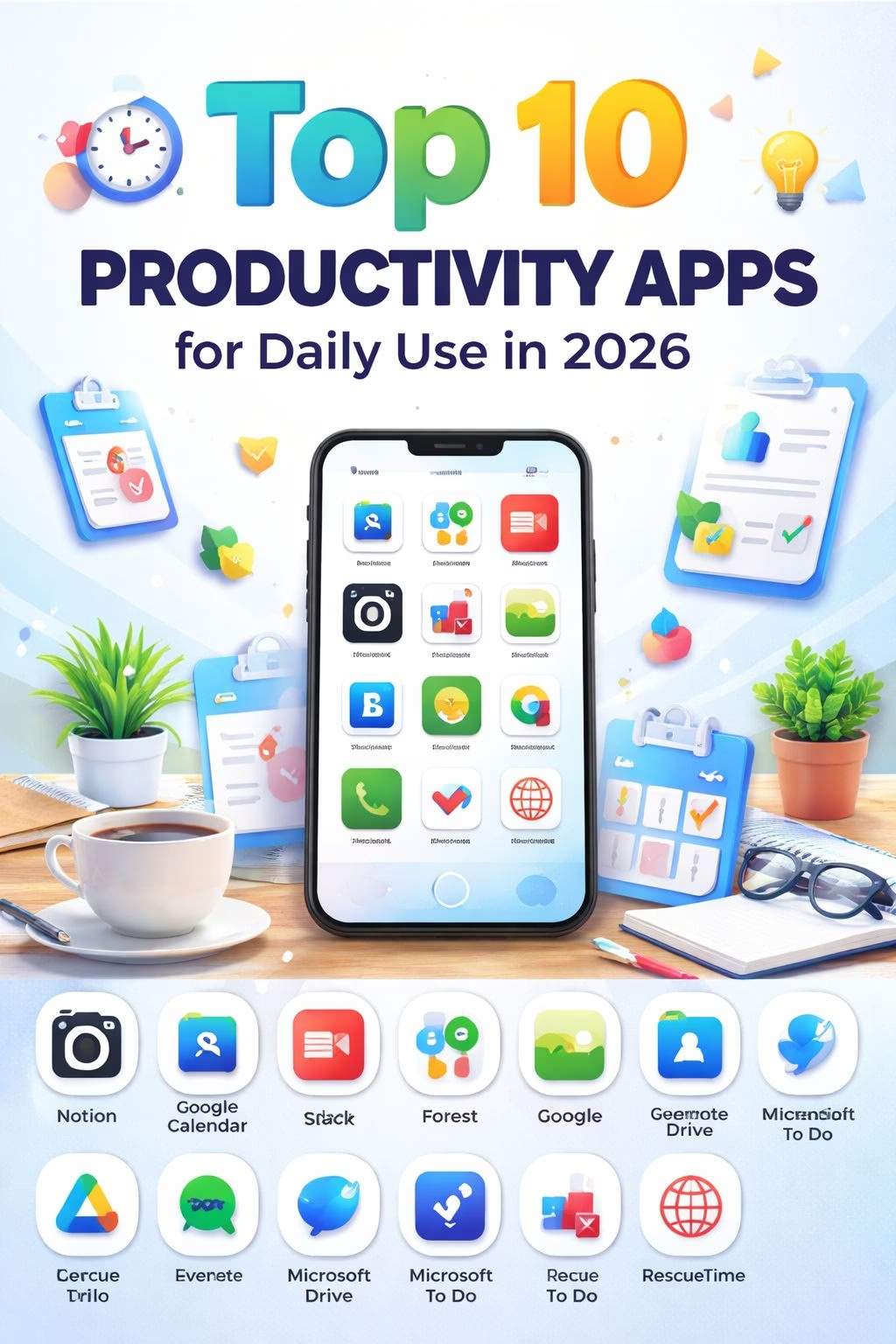
In today’s digital world, productivity is no longer just about working harder it’s about working smarter.
From managing daily tasks to handling complex projects, people rely heavily on mobile and web applications to stay organized and efficient. Whether you are a student, freelancer, business owner, or working professional, productivity apps have become an essential part of everyday life.
But with thousands of apps available, choosing the right one can be confusing.
That’s why we’ve carefully selected the top 10 productivity apps for daily use in 2026 that are trusted by millions of users worldwide.
What Are Productivity Apps?
Productivity apps are digital tools designed to help you:
- Organize your work
- Manage time effectively
- Track tasks and goals
- Improve focus and efficiency
These apps simplify your daily routine and help you get more done in less time.
Some apps focus on task management, while others help with time tracking, note-taking, team collaboration, or reducing distractions.
Why Productivity Apps Are Important in 2026
As technology continues to grow, our daily responsibilities are also increasing. Without proper tools, it becomes difficult to manage everything efficiently.
Here’s why productivity apps are more important than ever:
1. Better Time Management
Apps like Google Calendar help you plan your day and avoid wasting time.
2. Reduced Mental Stress
Instead of remembering everything, apps like Todoist store your tasks and reminders.
3. Improved Focus
Distraction-blocking apps like Forest help you stay focused on important work.
4. Easy Collaboration
Apps like Slack make teamwork simple and efficient.
5. Access Anywhere
Cloud-based tools like Google Drive allow you to access your files anytime, anywhere.
Types of Productivity Apps You Should Know
Before exploring the top apps, it’s important to understand their categories:
Task Management Apps → Todoist, Microsoft To Do
Note-Taking Apps → Evernote
All-in-One Workspace → Notion
Focus & Time Tracking Apps → RescueTime, Forest
Project Management Tools → Trello
Understanding these categories will help you choose the right app for your needs.
How These Apps Can Change Your Daily Life
Using the right productivity apps can completely transform your routine. Instead of feeling overwhelmed, you’ll start feeling in control.
For example:
- You’ll wake up with a clear plan
- You’ll know exactly what to do next
- You’ll waste less time on distractions
- You’ll finish tasks faster
In simple words, these apps help you work smarter, not harder.
Top 10 Productivity Apps for Daily Use
Before we jump into the list, remember that the best productivity app is the one that fits your daily routine. Some people prefer simple to-do lists, while others need advanced tools to manage projects, notes, and schedules.
The apps below are selected because they are practical, easy to use, and helpful in real-life situations.
Top 10 Productivity Apps for Daily Use In Tablet Format
| App Name | Category | Short Description |
|---|---|---|
| Notion | All-in-One Workspace | A powerful tool for notes, tasks, and collaboration. |
| Google Calendar | Time Management | Helps schedule events and organize daily routine. |
| Todoist | Task Management | Simple app to manage and track daily tasks. |
| Evernote | Note-Taking | Capture and organize notes, ideas, and documents. |
| Forest | Focus Tool | Helps reduce distractions and improve focus. |
| Slack | Communication | Organized team communication and messaging. |
| Trello | Project Management | Visual boards for managing tasks and projects. |
| Google Drive | Cloud Storage | Store and access files from anywhere. |
| Microsoft To Do | Task Planner | Simple tool for daily task management. |
| RescueTime | Time Tracking | Tracks time usage and improves productivity. |
1. Notion – The Ultimate All-in-One Productivity Tool
Notion has become one of the most popular productivity apps in recent years, and for good reason. It combines multiple tools into one platform, which means you don’t need separate apps for notes, tasks, or planning.
With Notion, you can create a fully customized workspace based on your needs. Whether you want to manage your daily tasks, track goals, write articles, or organize your personal life, Notion gives you complete flexibility.
Key Features:
- All-in-one workspace (notes, tasks, databases)
- Custom templates for different needs
- Collaboration with team members
- Clean and minimal interface
Why it stands out:
Unlike other apps, Notion adapts to your workflow instead of forcing you to follow a fixed system.
Best for:
Students, freelancers, content creators, and teams who want everything in one place.
2. Google Calendar – Plan Your Day Like a Pro
Managing your time properly is one of the biggest challenges in daily life. Google Calendar helps you organize your entire day so you always know what to do next.
You can schedule meetings, set reminders, and even plan your daily routine hour by hour. It also syncs across all your devices, so your schedule is always with you.
Key Features:
- Easy event scheduling
- Smart reminders and notifications
- Sync with email and other apps
- Color-coded organization
Why it stands out:
It gives you a clear visual of your day, helping you avoid overbooking or wasting time.
Best for:
Anyone who wants better time management and daily planning.
3. Todoist – Simple Yet Powerful Task Manager
If you often forget tasks or feel overwhelmed by your to do list, Todoist can help you stay organized.
It allows you to create tasks, set deadlines, and prioritize what’s important. The interface is simple, but the features are powerful enough for both personal and professional use.
Key Features:
- Task prioritization
- Recurring tasks
- Daily and weekly planning
- Progress tracking
Why it stands out:
It keeps everything simple while still offering advanced features.
Best for:
People who want a clean and effective task management system.
4. Evernote – Your Digital Notebook
Evernote is perfect for capturing ideas, notes, and important information in one place. Instead of writing things on paper or forgetting them, you can store everything digitally.
It also allows you to save images, documents, and even voice notes.
Key Features:
- Multi-format note-taking
- Cloud synchronization
- Powerful search feature
- Document storage
Why it stands out:
You can find any note quickly, even if you created it months ago.
Best for:
Students, writers, and professionals who deal with a lot of information.
5. Forest – Stay Focused Without Distractions
Forest is a unique app that helps you stay focused by turning productivity into a game. When you start a focus session, you plant a virtual tree. If you leave the app, the tree dies.
This simple concept encourages you to stay away from distractions.
Key Features:
- Focus timer
- Gamified productivity
- Progress tracking
- Motivation system
Why it stands out:
It makes focusing fun and rewarding.
Best for:
Students and anyone who struggles with phone distractions.
6. Slack – Smart Team Communication
Slack is widely used by teams to communicate and collaborate efficiently. Instead of messy emails or chats, Slack organizes conversations into channels.
This makes it easy to keep track of discussions and projects.
Key Features:
- Organized communication channels
- File sharing
- Integration with other tools
- Real-time messaging
Why it stands out:
It keeps team communication clean and structured.
Best for:
Businesses, startups, and remote teams.
7. Trello – Visual Task Management
Trello is known for its simple and visual way of managing tasks. It uses boards, lists, and cards to represent different stages of a project.
You can easily move tasks from one stage to another as you make progress.
Key Features:
- Drag-and-drop interface
- Visual boards
- Collaboration tools
- Task tracking
Why it stands out:
You can clearly see what’s done and what’s pending.
Best for:
Project managers and teams who prefer visual organization.
8. Google Drive – Safe File Storage
Google Drive allows you to store all your important files in the cloud, so you can access them anytime, anywhere.
You can also share files with others and collaborate in real-time.
Key Features:
- Secure cloud storage
- File sharing
- Real-time collaboration
- Integration with Google Docs
Why it stands out:
No more fear of losing important files.
Best for:
Students, professionals, and teams.
9. Microsoft To Do – Simple Daily Planner
Microsoft To Do is a straightforward app designed for managing daily tasks. It’s easy to use and perfect for beginners.
Key Features:
- Daily task lists
- Reminders
- Clean interface
- Easy syncing
Why it stands out:
No complexity just simple task management.
Best for:
People who want a basic and easy-to-use planner.
10. RescueTime – Understand Your Time Usage
RescueTime helps you understand how you spend your time on your devices. It tracks your activity and gives detailed reports.
This helps you identify time-wasting habits and improve productivity.
Key Features:
- Automatic time tracking
- Detailed reports
- Productivity insights
- Focus tools
Why it stands out:
It shows the reality of your daily habits.
Best for:
Anyone who wants to improve time management.
Conclusion
Using the right productivity apps can significantly improve your efficiency and help you achieve your goals faster. Whether you need help managing tasks, staying focused, or organizing your schedule, these apps provide powerful solutions for daily use.
Start by trying 2–3 apps from this list and see which ones work best for you.
Frequently Asked Questions (FAQs)
What are the best productivity apps for daily use?
The best productivity apps for daily use include Notion, Todoist, and Google Calendar. These apps help manage tasks, organize schedules, and improve daily efficiency.
Which productivity app is best for students?
Students can benefit from apps like Evernote for note-taking and Forest for staying focused during study sessions.
Are productivity apps free to use?
Many productivity apps offer free versions with basic features. Apps like Google Drive and Microsoft To Do are free, while some offer premium features through paid plans.
How do productivity apps improve efficiency?
Productivity apps help organize tasks, manage time, and reduce distractions. Tools like RescueTime track your time usage and help improve productivity habits.
How many productivity apps should I use daily?
It is best to use 2–3 apps at a time. For example, you can use a task manager, a calendar, and a focus app to stay organized and productive.