
 By Tango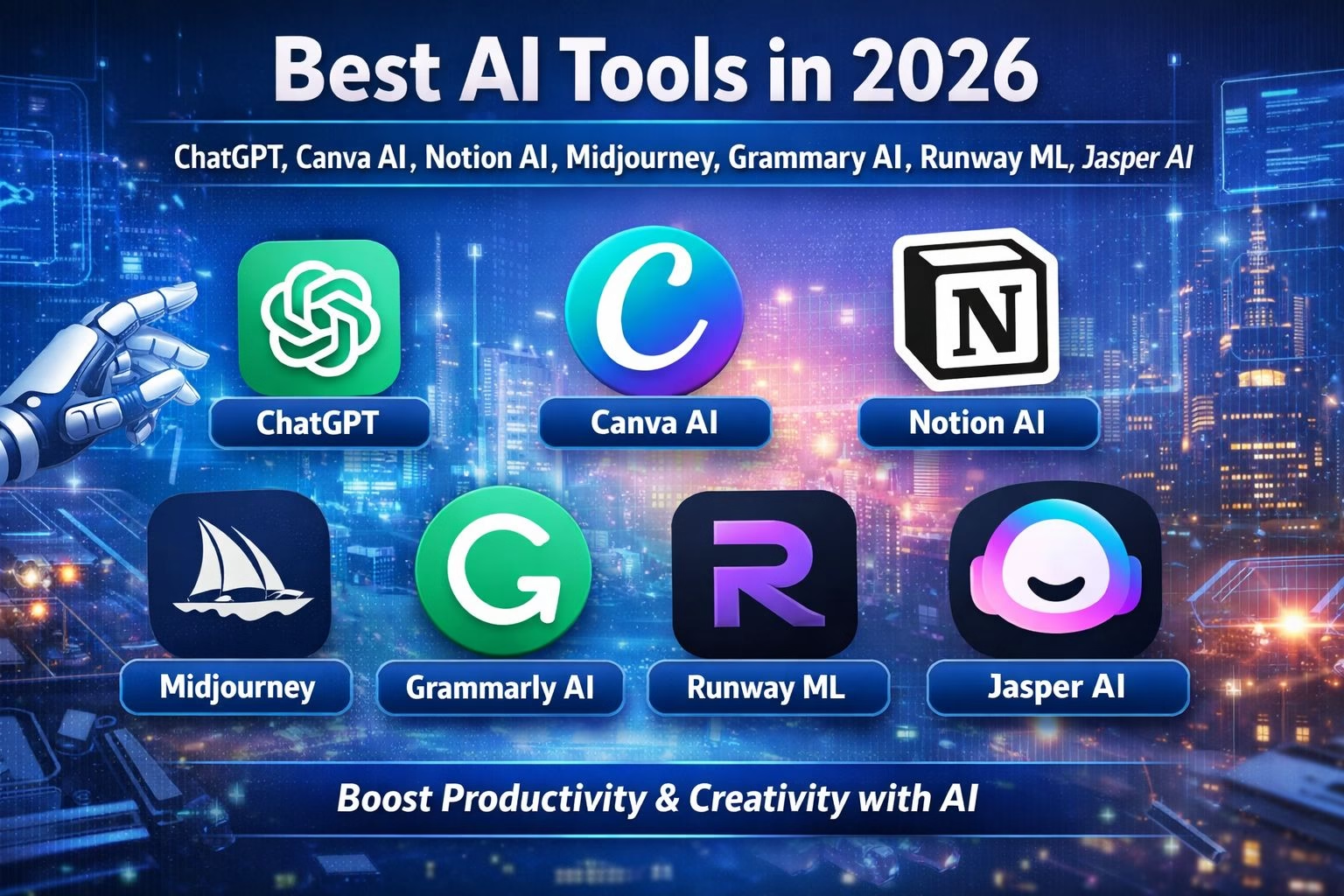
Artificial Intelligence (AI) is no longer just a buzzword it has become a powerful part of our daily lives. In 2026, AI tools are helping people work faster, smarter, and more efficiently than ever before. Whether you are a student, freelancer, business owner, or content creator, AI tools can completely change the way you work.
From writing blog posts to designing graphics, editing videos, and automating business tasks, AI tools are saving time and increasing productivity across industries. The best part is that many of these tools are easy to use, even for beginners.
In this complete guide, we will explore the best AI tools in 2026, their features, benefits, and how you can use them to grow your productivity and even earn money online.
What Are AI Tools?
AI tools are software applications that use artificial intelligence to perform tasks that normally require human effort. These tools can analyze data, generate content, automate processes, and even make decisions.
For example:
- Writing articles automatically
- Creating images from text
- Editing videos without manual effort
- Answering customer queries instantly
AI tools are designed to make your work easier and faster while maintaining quality.
Why AI Tools Are Important in 2026
AI tools are becoming essential because:
1. Time-Saving
AI can complete tasks in seconds that would take hours manually.
2. Increased Productivity
You can do more work in less time, which is important in today’s competitive world.
3. Cost-Effective
Instead of hiring multiple people, AI tools can handle many tasks.
4. Easy to Use
Most AI tools are beginner-friendly and don’t require technical skills.
5. Better Accuracy
AI reduces human errors and improves output quality.
Top AI Tools in 2026 (Detailed Guide)
1. ChatGPT – Best AI Writing and Assistant Tool
ChatGPT is one of the most powerful and easy-to-use AI tools available today, especially for writing and problem-solving tasks. It can help you create blog posts, generate ideas, write emails, solve coding problems, and even explain complex topics in simple language. Whether you are a student, content creator, or business owner, ChatGPT saves time by giving quick and useful responses. Its ability to understand natural language makes it feel like you are talking to a real assistant, which is why it has become a must-have tool in 2026.
ChatGPT is one of the most popular AI tools in the world. It can help you write blog posts, emails, scripts, and even code.
Features:
- Content writing
- Coding help
- Question answering
- Brainstorming ideas
How It Helps:
If you run a blog or website, ChatGPT can help you generate articles quickly. It can also help students understand complex topics in simple language.
Use Case:
- Writing SEO articles
- Creating YouTube scripts
- Answering technical questions
2. Canva AI – Best AI Design Tool
Canva AI is a beginner-friendly design tool that allows anyone to create professional-looking graphics without needing advanced skills. With features like AI image generation, ready-made templates, and drag-and-drop editing, users can design social media posts, presentations, posters, and more in just a few minutes. It is especially useful for bloggers, marketers, and small business owners who want high-quality visuals quickly. Canva AI simplifies the design process and helps users create attractive content effortlessly.
Features:
- AI image generator
- Ready-made templates
- Social media designs
- Presentation builder
How It Helps:
You can create professional graphics for your blog, Instagram, or business in minutes.
Use Case:
- Blog thumbnails
- Social media posts
- Marketing materials
3. Notion AI – Best Productivity Tool
Notion AI is a smart productivity tool that helps users organize their work, manage tasks, and take notes efficiently. It combines note-taking, project management, and AI assistance in one platform, making it ideal for students and professionals. You can use it to summarize long content, generate ideas, plan projects, and keep everything structured in one place. Its clean interface and powerful features make it a great choice for improving focus and workflow in daily life.
Features:
- Smart notes
- Task management
- Content summarization
- Workflow automation
How It Helps:
It keeps your tasks and ideas organized, making your workflow smooth.
Use Case:
- Managing projects
- Writing notes
- Planning content
4. Midjourney – Best AI Image Generator
Midjourney is a highly advanced AI tool that creates stunning and creative images from simple text prompts. It is widely used by designers, artists, and content creators who need unique visuals for their projects. By just describing what you want, Midjourney generates high-quality artwork in different styles, making it perfect for branding, social media, and digital art. It saves time and allows users to explore creativity without needing drawing or design skills.
Features:
- AI-generated artwork
- Creative designs
- Fast rendering
How It Helps:
You can generate unique images for your website or brand.
Use Case:
- Blog images
- Logo concepts
- Creative artwork
5. Grammarly AI – Best Writing Improvement Tool
Grammarly AI is a popular writing assistant that helps improve grammar, spelling, tone, and clarity in your content. It works in real-time and provides suggestions to make your writing more professional and easy to understand. Whether you are writing emails, blog posts, or assignments, Grammarly ensures your content is error-free and polished. It is especially useful for non-native English speakers who want to improve their writing quality quickly and confidently.
Features:
- Grammar correction
- Tone suggestions
- Clarity improvement
- Plagiarism checker
How It Helps:
It ensures your content is professional and easy to read.
Use Case:
- Blog editing
- Email writing
- Academic writing
6. Runway ML – Best AI Video Editing Tool
Runway ML is an innovative AI-powered video editing tool that makes complex editing tasks simple and fast. It allows users to remove backgrounds, generate videos, and apply effects without needing advanced editing skills. This tool is perfect for YouTubers, content creators, and marketers who want to create professional videos quickly. With its automation features, Runway ML reduces manual effort and helps produce high-quality video content in less time.
- AI video editing
- Background removal
- Motion tracking
How It Helps:
You can create professional videos without advanced skills.
Use Case:
- YouTube videos
- Short-form content
- Marketing videos
7. Jasper AI – Best AI Marketing Tool
Jasper AI is designed specifically for marketers and businesses to create high-quality content that drives results. It can generate blog posts, ad copy, email campaigns, and social media content that is optimized for engagement and conversions. With features like brand voice customization and SEO writing, Jasper helps businesses maintain consistency in their messaging. It is a powerful tool for anyone looking to grow their online presence and improve marketing performance.
Features:
- Copywriting
- SEO content
- Ad generation
How It Helps:
It helps businesses create content that converts.
Use Case:
- Ads
- Landing pages
- Email campaigns
How to Choose the Right AI Tool
Choosing the right tool depends on your needs.
- Identify your goal
- Choose a tool that fits your task
- Compare features and pricing
- Test free versions
- Read user reviews
How to Use AI Tools for Blogging
AI tools are extremely useful for bloggers.
Step 1: Keyword Research
Find keywords like:
- best AI tools 2026
- AI tools for blogging
- productivity tools
Step 2: Content Creation
Use AI to generate article drafts.
Step 3: Editing
Always edit content to add a human touch.
Step 4: SEO Optimization
- Add headings
- Use keywords naturally
- Write meta descriptions
Benefits of Using AI Tools
1. Faster Work
2. Better Quality
3. More Creativity
4. Cost Saving
5. Scalability
How to Earn Money Using AI Tools
AI tools can help you make money online.
1. Blogging
2. Freelancing
- Offer services like:
- Content writing
- Graphic design
- Video editing
3. YouTube Automation
4. Affiliate Marketing
5. Selling Digital Products
Conclusion
AI tools in 2026 are powerful, easy to use, and highly beneficial. Whether you want to write content, design graphics, edit videos, or manage tasks, there is an AI tool for everything.
By using these tools correctly, you can:
- Save time
- Increase productivity
- Improve content quality
- Earn money online
Start using AI tools today and take your work to the next level.