
Best Productivity Apps You Should Use in 2026 (Complete Guide)
In today’s fast-paced digital world, productivity has become one of the most valuable skills you can develop. Whether you are a student trying to manage study schedules, a freelancer juggling multiple clients, or a professional handling complex projects, staying organized and focused is essential.
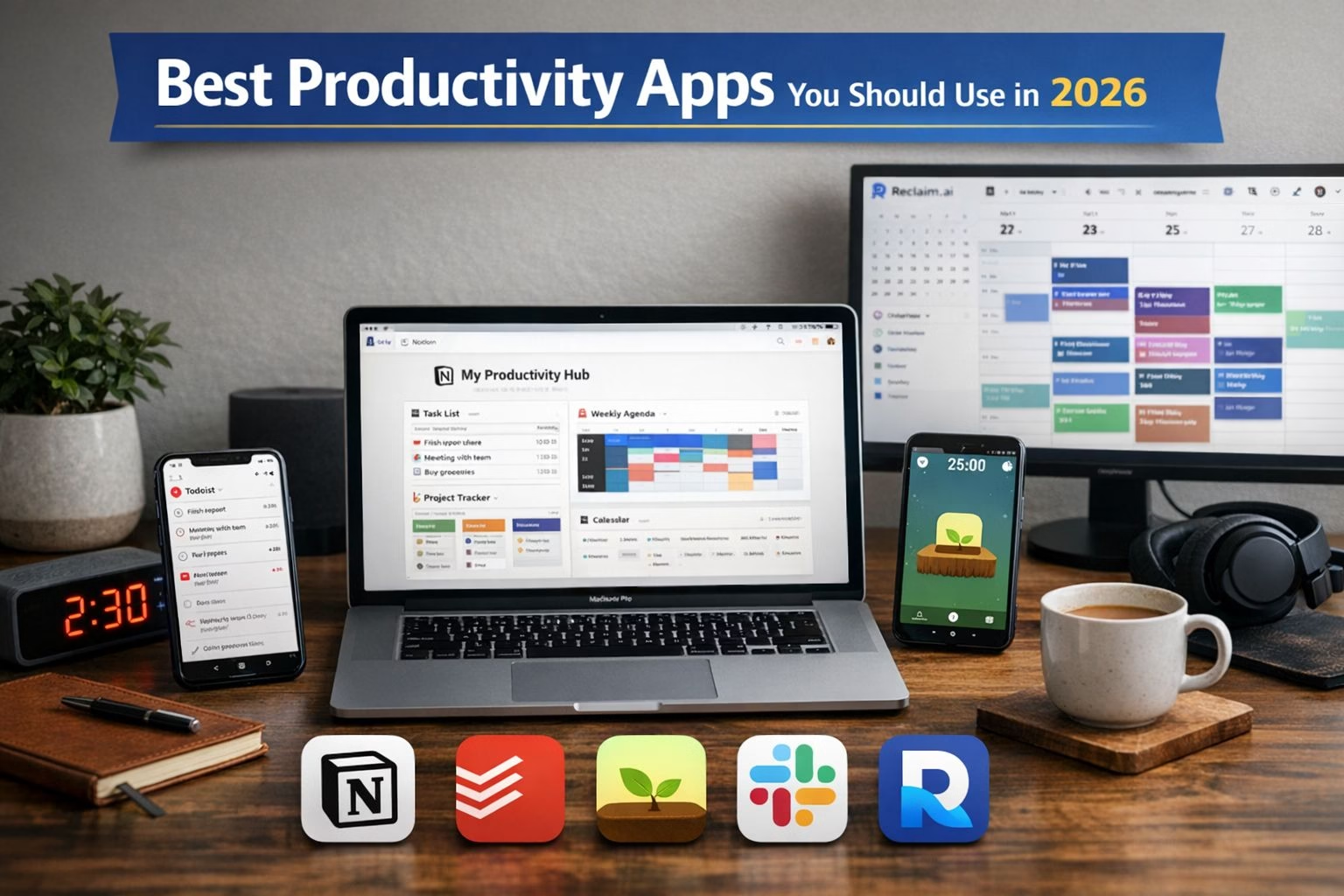
However, with constant distractions from social media, notifications, and overwhelming workloads, maintaining productivity can feel challenging. This is where productivity apps come into play. In 2026, these tools have evolved far beyond simple to-do lists.
The right productivity app can transform the way you work, helping you achieve more in less time while reducing stress. In this guide, we explore the best productivity apps you should use in 2026.
Table of Contents
What Makes a Great Productivity App in 2026?
Before choosing a productivity app, it is important to understand what separates a great tool from an average one. With hundreds of apps available, selecting the right one depends on key features that enhance usability and efficiency.
One of the most important aspects is AI integration. Modern productivity apps use artificial intelligence to suggest tasks, automate scheduling, and provide insights into your work habits. This reduces manual effort and helps you make smarter decisions.
Another crucial factor is cross-platform compatibility. A good productivity app should work seamlessly across devices, ensuring access anytime and anywhere.
Ease of use is also essential. The best tools offer clean interfaces that allow users to quickly organize tasks and track progress without confusion.
Top Productivity Apps You Should Use in 2026
1. Notion – The All-in-One Productivity Powerhouse
Notion is one of the most versatile productivity tools available today. It combines note-taking, task management, databases, and collaboration features into a single platform.
Users can create customized dashboards, track projects, maintain journals, and build knowledge bases. Its flexibility makes it suitable for both individuals and teams.
With AI integration in 2026, Notion can generate content, summarize notes, and improve workflow efficiency, making it a powerful tool for modern productivity.
2. Todoist – Simple and Effective Task Management
Todoist is a popular task management app known for its simplicity and efficiency. It helps users organize tasks, set priorities, and track progress easily.
Its natural language input feature allows users to quickly create tasks like “Meeting tomorrow at 5 PM,” saving time and effort.
With features like recurring tasks, labels, and priority levels, Todoist ensures that nothing important is missed.
3. Forest – Stay Focused and Beat Distractions
Forest uses a unique gamified approach to productivity. Users grow a virtual tree while focusing on tasks. If they leave the app, the tree dies.
This method encourages users to avoid distractions and stay committed to their work sessions.
It is based on the Pomodoro technique, helping improve concentration and reduce burnout over time.
4. Reclaim.ai – Smart Time Management with AI
Reclaim.ai focuses on automating time management through AI-powered scheduling. It integrates with calendars and automatically plans tasks and meetings.
The app adjusts schedules dynamically and ensures proper time allocation for important work.
This makes it ideal for professionals with busy schedules who need efficient time management.
5. Slack – Seamless Team Communication
Slack is a leading communication platform for teams. It replaces traditional email with organized messaging channels.
Users can create channels for different projects, share files, and collaborate in real-time.
AI features like message summaries make communication more efficient and less overwhelming.
6. BeeDone – Gamified Productivity for Motivation
BeeDone makes productivity fun by turning tasks into a game. Users earn points, rewards, and achievements for completing tasks.
This approach helps increase motivation and consistency, especially for users who struggle with discipline.
Its AI features also suggest goals and challenges based on user behavior.
Bonus Productivity Apps Worth Exploring
There are several other productivity tools that can enhance your workflow.
Obsidian is excellent for note-taking and building a personal knowledge base.
Habitica uses gamification to help users build habits.
Google Calendar is a reliable scheduling tool for managing daily activities.
Microsoft Copilot provides AI-powered assistance for improving workflow efficiency.
Common Mistakes to Avoid
Using too many productivity apps can reduce efficiency instead of improving it. It is better to stick to a few essential tools.
Another mistake is relying entirely on apps without developing good habits. Tools should support your workflow, not replace discipline.
Tips to Maximize Productivity Using Apps
Start by setting clear goals and prioritizing tasks effectively. Use reminders wisely and avoid overloading your schedule.
Take regular breaks and review your progress frequently to improve efficiency.
Conclusion
Productivity apps in 2026 are smarter and more powerful than ever. Tools like Notion, Todoist, Forest, Reclaim.ai, Slack, and BeeDone can significantly improve your workflow.
However, the key to productivity lies in consistency and choosing the right tools for your needs. Start with a few apps and build your system gradually.
Take action today and transform your productivity journey.
Frequently Asked Questions (FAQs)
1. What are the best productivity apps in 2026?
The best productivity apps in 2026 include tools like all-in-one workspace apps, task managers, focus apps, and AI-powered scheduling tools. These apps help users manage tasks, stay organized, and improve efficiency in daily work and life.
2. Which productivity app is best for students?
Students benefit most from productivity apps that offer task management, note-taking, and focus features. Apps that combine study planning, reminders, and distraction blocking are ideal for improving academic performance.
3. Are productivity apps really effective?
Yes, productivity apps are highly effective when used correctly. They help organize tasks, manage time, reduce distractions, and improve focus. However, their effectiveness depends on consistency and proper usage.
4. What is the best free productivity app in 2026?
Many productivity apps offer free versions with powerful features. The best free productivity apps typically include task management, scheduling, and basic collaboration tools suitable for personal and professional use.
5. How do productivity apps improve time management?
Productivity apps improve time management by allowing users to schedule tasks, set reminders, and prioritize work. Many apps also use AI to suggest optimal schedules and reduce time wastage.
6. Which apps help you stay focused while working?
Focus apps use techniques like timers, distraction blockers, and gamification to help users stay focused. These tools are especially useful for students and remote workers.
7. How many productivity apps should I use?
It is recommended to use only 2–3 productivity apps to avoid confusion. For example, one app for tasks, one for notes, and one for scheduling is usually enough.
8. What features should I look for in a productivity app?
Look for features like task management, reminders, cross-device syncing, ease of use, and AI integration. These features ensure better efficiency and usability.
9. Are AI productivity apps better than traditional apps?
AI productivity apps offer advanced features like automation, smart suggestions, and scheduling, making them more efficient than traditional apps. However, the best choice depends on your needs.
10. Can productivity apps help reduce procrastination?
Yes, productivity apps can help reduce procrastination by breaking tasks into smaller steps, setting deadlines, and providing reminders. Some apps also use gamification to keep users motivated.